
Event-Driven Workflow Orchestration: The Modern Cron Job
Event-driven workflow orchestration is a system where a central service manages and coordinates tasks. Unlike scheduled jobs, these…
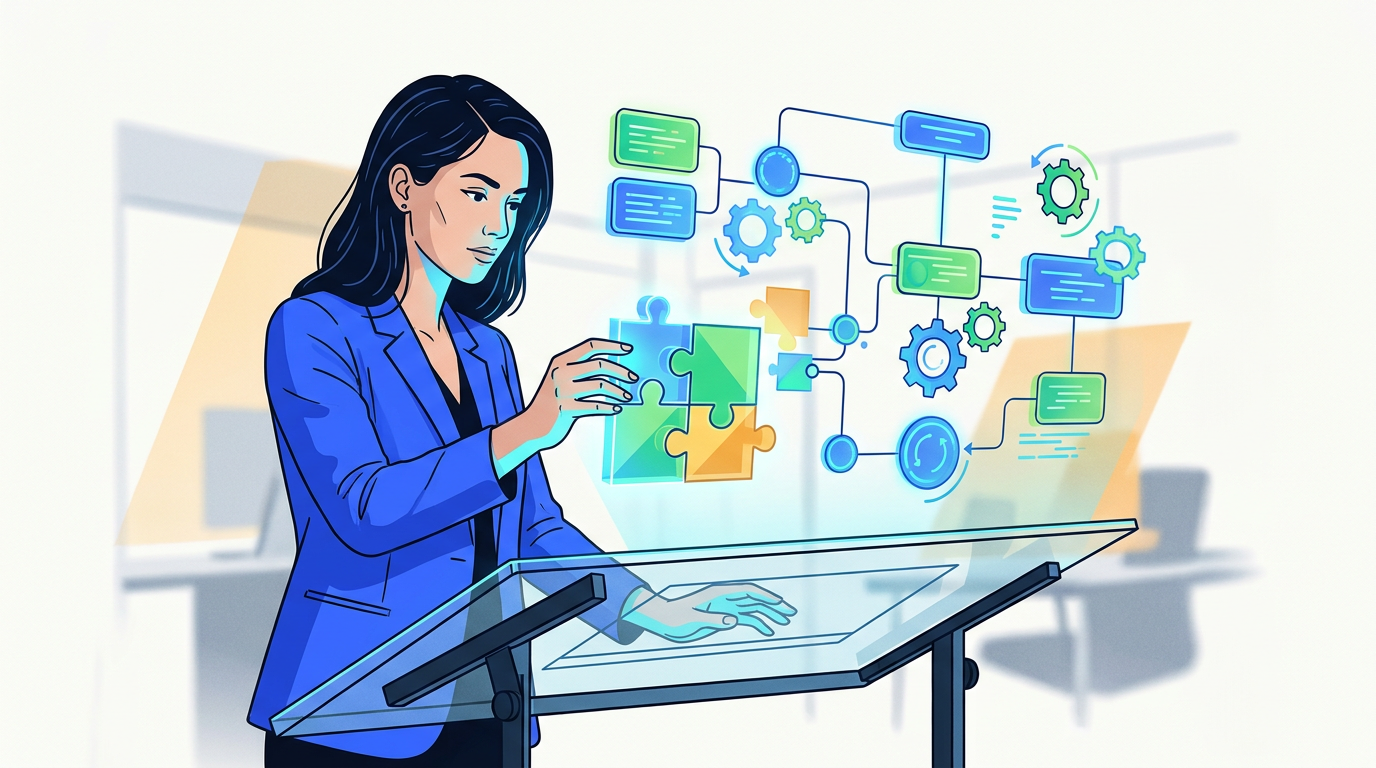
AI workflow automation uses artificial intelligence to manage and execute complex, multi-step business processes. It goes beyond simple automation by handling unstructured data, making intelligent decisions, and learning from outcomes to continuously improve efficiency and adapt to changing conditions without direct human input.
Let’s get one thing straight: AI workflow automation isn’t about firing your team and replacing them with a sinister, all-knowing algorithm. That’s a sci-fi trope, not a business strategy. The reality is far more practical and, frankly, more interesting.
It’s about getting the robots to do the robotic work.
Think about all the mind-numbing, repetitive tasks that clog up your day. Sifting through hundreds of resumes, manually copying data from an invoice into a spreadsheet, answering the same customer question for the tenth time. AI workflow automation is about teaching a machine to handle that grunt work intelligently, freeing you and your team to focus on the problems that actually require a human brain. It’s less about a robot overlord and more about having the world’s most efficient, tireless assistant.
AI workflow automation is the use of artificial intelligence (AI) technologies to manage, execute, and optimize multi-step business processes. Unlike traditional automation that follows rigid, pre-programmed rules, AI automation can interpret unstructured data (like emails or documents), make context-aware decisions, and learn from a feedback loop to improve its performance over time. It transforms a simple sequence of tasks into an intelligent, adaptive system.
Traditional automation is like a train on a track. It follows a fixed path and can’t deviate. If it hits an unexpected obstacle—like an invoice in a weird format—it grinds to a halt.
AI workflow automation is more like a self-driving car. It has a destination (the goal), but it uses sensors and a brain to navigate the real, messy world to get there. It can read road signs (unstructured data), react to other cars (context), and find a new route if there’s a traffic jam (adapt).
This “brain” is made up of a few key technologies working together.
Machine Learning is the part that allows the system to learn and improve. Instead of being explicitly programmed for every possible scenario, an ML model is trained on historical data.
For example, you can train a model on thousands of past customer support tickets. It learns to recognize patterns—which words indicate an urgent issue, which ones are related to billing, and which ones are simple questions. Over time, it gets better at automatically categorizing and routing new tickets, no human intervention required. This is the core of intelligent automation; it’s a system that gets smarter with every task it completes.
Natural Language Processing gives software the ability to read, understand, and respond to human language—both text and speech. It’s the technology behind Siri, Alexa, and every chatbot you’ve ever talked to.
In AI workflow automation, NLP is crucial for handling the mountains of unstructured data that businesses run on. It can read an incoming email from a customer, understand the sentiment (are they happy or furious?), extract key information (like an order number), and decide the next step. It’s the bridge between messy human communication and structured, automated processes.
This is where things get really powerful. Generative AI, the technology behind tools like ChatGPT, can create new content. When combined with Intelligent Document Processing (IDP), it revolutionizes how we handle paperwork.
IDP uses AI to “read” and understand documents like invoices, contracts, or purchase orders, no matter the layout. It doesn’t just scan for text; it identifies what the text means (e.g., “This number is the invoice total,” “This date is the payment due date”).
Here’s a workflow:
This combination of AI for automation turns a tedious manual process into a one-click approval.
People often use these terms interchangeably, but they are not the same thing. Mistaking one for the other is a common and costly mistake.
Robotic Process Automation (RPA) is a “dumb” bot. It’s software that mimics human actions to perform simple, repetitive tasks. Think of it as a macro on steroids. It can copy and paste data, fill out forms, and click buttons, but only if you give it precise, step-by-step instructions. It can’t think or adapt.
AI Automation is the “smart” layer on top. It makes decisions. It handles exceptions. It learns.
| Feature | Robotic Process Automation (RPA) | AI Workflow Automation |
|---|---|---|
| Core Function | Follows explicit, rule-based instructions. (“Do this, then do that.”) | Makes predictions and decisions based on patterns and context. (“Figure out the best thing to do.”) |
| Data Handling | Works only with structured data (spreadsheets, databases). | Can interpret and process unstructured data (emails, PDFs, images). |
| Analogy | A factory assembly line robot performing the same weld over and over. | A quality control inspector who can spot a unique defect and decide what to do about it. |
| Best For | High-volume, unchanging, rule-based tasks like data entry. | Complex processes requiring judgment, adaptation, and data interpretation. |
The most powerful systems, often called “intelligent automation,” combine both. RPA bots act as the “hands” to execute tasks, while AI provides the “brain” to direct them.
The hype around AI promises a world of effortless productivity and infinite profits. Let’s ground that in reality.
The Real Benefits:
The Overhyped “Benefits”:
High-level talk is fine, but let’s see what this looks like on the ground. Here are a few concrete examples of AI workflow automation in different business functions.
The Problem: You have thousands of leads, but your marketing team can’t possibly craft a personal email for each one. Generic email blasts get ignored.
The AI Workflow:
The Result: Every high-potential lead gets a near-personal touch, dramatically increasing conversion rates without burying your sales team in manual research and writing.
The Problem: A single job posting attracts 500 applications. An HR manager spends days just filtering resumes to find qualified candidates.
The AI Workflow:
The Result: HR spends their time interviewing the best candidates, not sifting through unqualified ones. New hires have a smooth, organized day-one experience.
The Problem: The support inbox is overflowing. Simple questions are mixed in with urgent, complex problems, and response times are slow.
The AI Workflow:
The Result: Customers with simple problems get instant answers. Critical issues are addressed in minutes, not hours. Support agents focus on solving complex problems that require human expertise.
The idea of implementing AI can feel overwhelming. You don’t need a team of data scientists and a seven-figure budget to get started. You just need a smart plan.
Forget boiling the ocean. The key is to start small, prove value, and build momentum. A tool is not a strategy; solidify the process first, then find the right tool.
We use a simple three-step framework: Assess, Integrate, and Measure.
Before you touch any software, find the right target. Look for the intersection of three things:
Good candidates include invoice processing, lead qualification, report generation, and employee onboarding. Bad candidates include designing a new marketing campaign or negotiating a enterprise contract. Start with a single, well-defined workflow. Proving one thing works is infinitely better than planning ten things that don’t.
Don’t try to build a fully autonomous, end-to-end system on day one. Start with a “human in the loop” approach.
You need to prove this is worth the effort. Track simple metrics:
Present this data to stakeholders. A simple chart showing “We saved 20 hours and reduced errors by 80% this month” is the most powerful way to get buy-in for your next, more ambitious automation project.
Integrating AI isn’t all sunshine and productivity gains. It comes with serious responsibilities that are too often ignored in the rush to automate.
AI models, especially those for intelligent automation, are hungry for data. You might be feeding them sensitive customer information, financial records, or internal communications. You need to ask hard questions:
The side with the more effective automation will have the decisive advantage, and that applies to both defense and offense in cybersecurity. Securing your automated systems is non-negotiable.
An AI model is only as good as the data it’s trained on. If your historical data contains biases, the AI will learn and amplify them at scale.
For example, if an AI recruiting tool is trained on your past hiring decisions, and your company has historically favored candidates from certain universities, the AI will learn to prefer those candidates and automatically penalize others, regardless of their qualifications. Auditing for and mitigating bias is a critical, ongoing responsibility.
The biggest barrier to successful automation is often cultural, not technical. Your team may see AI as a threat to their jobs. If you don’t manage this, they will resist it.
The goal is not to remove humans, but to augment them.
The field is moving incredibly fast, but the trend is clear: we’re moving from simple, single-task automations to more complex, coordinated systems of AI “agents.”
Think less about one monolithic AI and more about building a swarm of specialized agents. You’ll have a research agent, an outreach agent, and a scheduling agent, all working in concert to achieve a larger business goal. Effective AI is a system, not a monolith.
These agents will become more capable, able to browse the web and interact with applications that don’t have clean APIs, just like a person would. The most sophisticated automation will feel like a simple conversation, with AI as the new user interface. You’ll simply tell an agent what you need—”Find me five potential clients in the manufacturing sector in Ohio and draft an intro email”—and it will orchestrate the entire workflow behind the scenes.
Yes, absolutely. But not in the way the hype merchants are selling it.
AI workflow automation is not a magic button that will solve all your problems. It’s a powerful capability that, when applied thoughtfully, can fundamentally improve how your business operates.
Don’t start by looking for AI automation tools. Start by looking for your business’s biggest bottlenecks, your most tedious processes, and your most frustrating data-entry tasks. The strategy must come before the software.
Begin with one well-defined problem. Prove you can solve it. Measure the impact. Then, and only then, move on to the next one. This incremental, value-driven approach is how you build a more efficient, scalable, and intelligent business without the hype and without the meltdowns.
The key difference is intelligence. Robotic Process Automation (RPA) follows strict, pre-programmed rules to mimic human clicks and keystrokes on structured data; it cannot think or adapt. AI automation uses technologies like machine learning to interpret unstructured data, make decisions, and learn from outcomes, allowing it to handle complex, variable processes. RPA is the hands; AI is the brain.
AI workflow automation learns and adapts primarily through machine learning (ML) models and a feedback loop. An ML model is trained on historical data (e.g., past support tickets) to recognize patterns. As it processes new data, its decisions can be validated by a human or by the outcome. This feedback—”Yes, that was the correct category,” or “No, that email was not effective”—is used to retrain and refine the model, making it progressively more accurate and efficient.
For a small business, practical AI automation examples include:
The first steps are strategic, not technical. Start by assessing your current processes to find a task that is high-volume, repetitive, and a known bottleneck. Then, integrate by starting small: map the process, build a simple prototype using a low-code tool, and keep a human in the loop for review. Finally, measure the impact by tracking metrics like time saved or errors reduced to prove the value and get buy-in for future projects.

Part of the Thinker's Automation Labs content team. Researches with the SEO Blog Research Agent, drafts the piece, and routes it through review before publishing. Every claim is fact-checked against primary sources.
Event-driven workflow orchestration is a system where a central service manages and coordinates tasks. Unlike scheduled jobs, these…
Playwright is a modern browser automation framework ideal for enterprise web scraping. It excels at reliably extracting data…
Resilient automation architecture is a design approach for building automated systems that can withstand failures and continue operating.…