
AI Workflow Automation: A Complete Guide for Business (2024)
AI workflow automation uses artificial intelligence to manage and execute complex, multi-step business processes. It goes beyond simple…
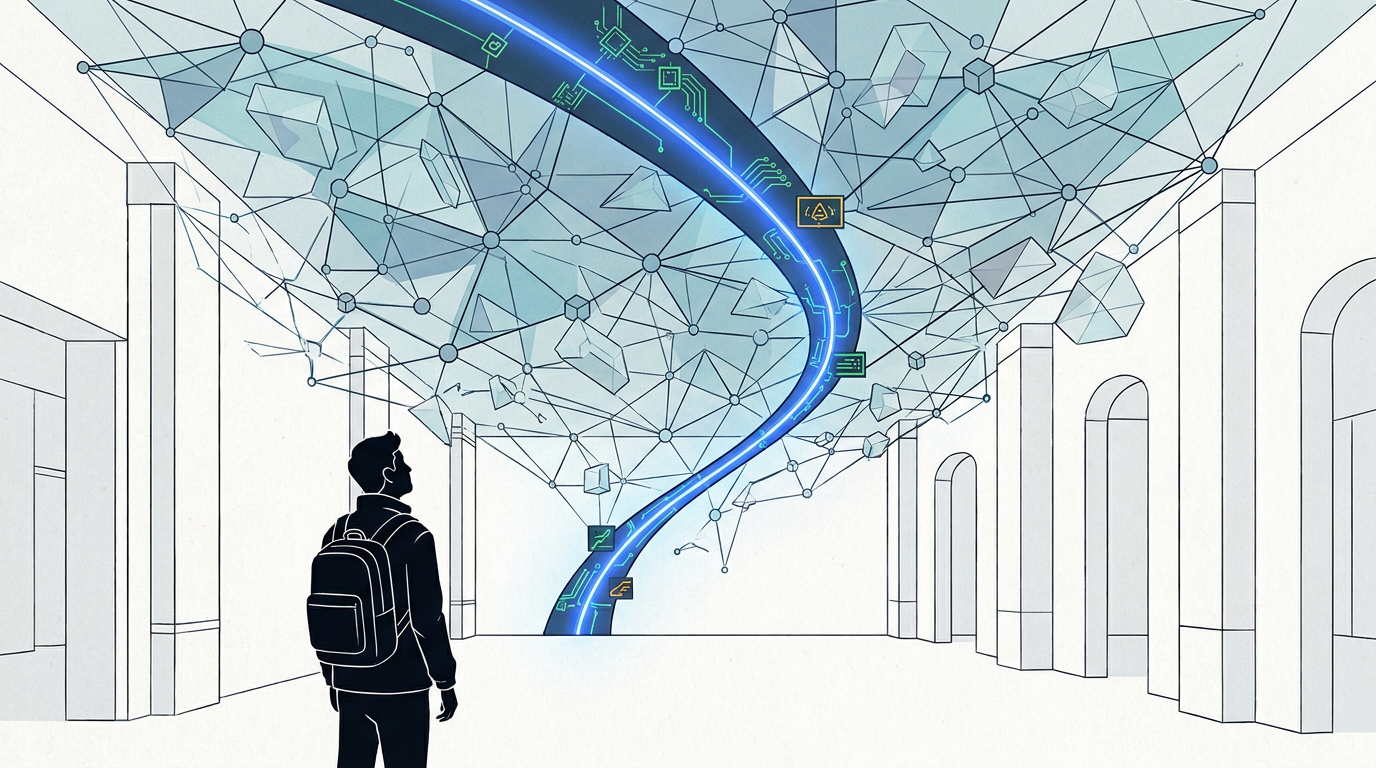
Event-driven workflow orchestration is a system where a central service manages and coordinates tasks. Unlike scheduled jobs, these workflows are triggered dynamically by specific business events, such as a new user registration or a completed payment, enabling more responsive and scalable applications that can handle failure gracefully.
Your systems are probably spending a lot of time waiting. They’re running on a schedule, checking every five minutes to see if there’s work to do. This is the world of cron jobs—a reliable but clunky way to run automations. It’s like constantly calling a friend to ask “Are we leaving yet?” instead of just getting a text when it’s time to go.
There’s a better way. Instead of making your systems constantly ask for work, you can build them to react when work appears. This is the core idea behind event-driven workflow orchestration. It’s a shift from a schedule-based mindset to a trigger-based one, creating automations that are faster, smarter, and far more resilient. This isn’t just a technical upgrade; it’s a fundamental change in how you should think about building reliable, production-grade automation.
The old way of automation is the cron job. A command that runs on a timer: “Every day at midnight, check for new signups and send them a welcome email.” It works, but it’s inefficient. What if a user signs up at 9 AM? They wait 15 hours for a simple email. The system wastes energy checking for new users thousands of times when there are none.
Event-driven architecture flips this on its head. The moment a user signs up, a “UserSignedUp” event is created. This single event acts as a trigger, instantly kicking off the welcome email workflow. The system isn’t waiting or guessing; it’s reacting in real-time to a specific business moment.
This approach lets you build complex, multi-step processes that are decoupled and resilient. If the email service is down, the system can pause and retry that specific step later without affecting the rest of the user’s onboarding process. This is the difference between a fragile script and a durable business system.
Event-driven workflow orchestration is a design pattern where a central “conductor” service listens for business events and uses them to start and manage complex, multi-step workflows. Instead of services calling each other directly, they communicate by producing and consuming events, making the whole system more flexible and scalable.
Think of it as the general contractor for your business processes. When a “PermitApproved” event happens, the contractor doesn’t need to be told what to do next. The blueprint (the workflow definition) is already in place, and the contractor automatically calls the foundation crew, then the framers, then the electricians, in the correct order.
An event-driven system might sound complex, but it boils down to four key roles working in concert. Let’s break them down with an everyday analogy: ordering a pizza online.
This is the component that starts everything. It’s the part of your system that recognizes something important has happened and creates an “event” to announce it. An event is just a small packet of data describing what happened, like “New User Signed Up” or “Payment Processed.”
OrderPlaced event.The event producer doesn’t send the event directly to the workflow manager. Instead, it drops it off at a message broker. This is a specialized service that acts like a digital post office or a central message board. Its only job is to receive events and hold them securely until the right service is ready to pick them up.
Popular message brokers include tools like Amazon SQS, Google Pub/Sub, and Kafka. This component is critical for decoupling; the producer doesn’t need to know or care who is listening for its events.
OrderPlaced event to a central ordering system. It doesn’t talk to a specific kitchen; it just posts the order to the main queue.This is the brain of the operation. The orchestrator subscribes to events from the message broker. When it sees an event it cares about (like OrderPlaced), it kicks off a pre-defined workflow. It keeps track of every step: “Step 1: Charge Credit Card,” “Step 2: Send Order to Kitchen,” “Step 3: Alert Delivery Driver.”
The orchestrator manages the state of the entire process. If the kitchen step fails, it knows to retry or to trigger a “Cancel Order” process. This central control is what makes orchestration so powerful and auditable. Popular orchestrators include Temporal.io, AWS Step Functions, and Netflix Conductor.
Workers are the individual, specialized services that do the actual work. Each worker is responsible for a single task. One worker might handle sending emails, another processes payments, and a third updates a database. The orchestrator calls these workers to execute each step of the workflow.
These are often called microservices. Each one is simple, independent, and focused on doing one thing well.
Moving to this model is work, so the payoff needs to be worth it. Here’s why it is.
The term “event-driven” covers a few different patterns. It’s crucial to know the difference so you can pick the right tool for the job.
| Pattern | How it Works | Best For | Key Weakness |
|---|---|---|---|
| Cron Job (Scheduled) | Runs on a fixed schedule (e.g., every 5 minutes). Asks “is there work yet?” | Simple, repeatable tasks on a predictable schedule, like nightly backups or report generation. | Inefficient, not real-time, and creates delays. |
| Orchestration (Event-Driven) | A central “conductor” manages a workflow, telling each service what to do and when. | Complex, multi-step business processes where order, state, and error handling are critical (e.g., e-commerce orders, user onboarding). | The central orchestrator can become a single point of failure if not made highly available. |
| Choreography (Event-Driven) | Services listen for events and decide for themselves what to do. No central coordinator. | Simple, fire-and-forget notifications where the overall process flow is not critical (e.g., fanning out a “User Updated” event to multiple systems). | Extremely difficult to debug or visualize the end-to-end process. “Hope-driven development.” |
This is the most important distinction in event-driven architecture.
Our take: For any meaningful business process, orchestration is the superior choice. Choreography is clever, but it creates “emergent” behavior that is a nightmare to debug. When an order fails, you want to look at one central dashboard to see why, not try to piece together logs from seven different services that were all “just doing their own thing.” Central control provides the auditability and reliability that real businesses need.
The difference here is push vs. pull.
Stick with cron jobs for simple, non-urgent tasks that genuinely belong on a schedule, like “send a weekly summary report.” For anything that should happen in response to a user or system action, an event-driven approach is far better.
You should choose event-driven orchestration when your process involves multiple steps, requires reliability, and needs to happen in response to a specific trigger. It is the best choice for core business logic like processing orders, onboarding users, or handling financial transactions.
Here’s a simple decision framework:
Use Event-Driven Orchestration if:
UserSignedUp, OrderPlaced).Use Choreography if:
Stick with Cron Jobs if:
Anyone can build a workflow that works when everything is perfect. Production-grade automation is about building for failure. An orchestrator gives you the power to implement sophisticated resilience patterns that are impossible with simple scripts.
Automatic retries are the first line of defense, but what happens when a service is down for hours? You don’t want your orchestrator to hammer it with retries forever.
In a single database, you can use a “transaction” to make sure a series of changes either all succeed or all fail together. You can’t do that across multiple independent microservices. The Saga pattern is the solution for this in a distributed system.
A saga is a sequence of local transactions. Each step in the workflow executes a transaction in its own service. If any step fails, the orchestrator triggers a series of compensating transactions that undo the work of the previous successful steps.
Let’s say you’re booking a trip: 1. Book Flight, 2. Book Hotel, 3. Rent Car. If “Rent Car” fails, the saga doesn’t just stop. The orchestrator executes compensation logic: “Cancel Hotel Booking” and “Cancel Flight Booking.” This leaves the system in a clean, consistent state.
To make this work, every step must be idempotent. Idempotency is a fancy word for a simple concept: performing an action multiple times has the same effect as performing it once. If your “Charge Credit Card” task is retried due to a network glitch, you must ensure the customer is only charged once. Orchestrators and well-designed workers handle this by tracking task IDs to prevent duplicate executions.
The biggest challenges of managing event-driven systems are the increased complexity in debugging and monitoring, and the operational headache of managing event schema changes over time. Because logic is distributed across many services, tracing a single request from start to finish requires specialized observability tools. Furthermore, if you change the data structure of an event, you risk breaking older services that still expect the old format, requiring careful versioning and deployment strategies.
Your business will change, and so will your events. What happens when you want to add a new piece of information to the UserSignedUp event? If you just change it, older worker services that aren’t expecting the new format might crash.
This requires a disciplined approach to event versioning. You might include a version number in every event ("version": 2.0) and design your workers to handle different versions gracefully. This is an operational tax you pay for the flexibility of a distributed system.
When a workflow fails, the error might be in the orchestrator, the message broker, or one of five different worker services. Pinpointing the root cause is harder than debugging a single application.
This is why observability is not optional. You need tools that provide distributed tracing, which lets you follow a single request as it jumps between services. A good orchestrator provides a visual representation of the workflow state, but you still need excellent logging and metrics from all your workers to get the full picture.
Distributing your system also distributes your security risks. You can’t just put a firewall around one application anymore.
A user onboarding workflow is a perfect real-world example. Instead of a clunky script that runs periodically, event-driven orchestration handles it instantly and reliably.
Here’s the step-by-step flow when a new user signs up for your service:
UserSignedUp event. This event contains the user’s ID, email, and name. The application publishes this event to a message broker like Amazon SQS.UserSignedUp event and immediately starts its “New User Onboarding” workflow.If the email service was down during Step 1, the orchestrator would automatically retry that step for a few minutes. If it continued to fail, it would pause the workflow and send the task to a dead-letter queue, ensuring the user’s onboarding could be resumed later without losing their data.
Implementing your first event-driven workflow involves a few key conceptual steps, regardless of the specific tools you choose.
Event itself, like OrderCreated, and the data it must contain.Is event-driven orchestration the same as microservices?
No, but they are very closely related. Microservices is an architectural style where you break a large application into small, independent services. Event-driven orchestration is a pattern for how those microservices can communicate and work together to accomplish a complex task without creating a tangled mess of direct dependencies.
Can I do this without writing code?
Sort of. Low-code platforms like n8n and Zapier use event-driven principles. They have “triggers” (events) that start “workflows” (orchestration). However, for the kind of resilient, scalable systems we’ve discussed here—with features like dead-letter queues and the saga pattern—you’ll typically be working with code-first tools like Temporal or infrastructure-as-code tools to configure services like AWS Step Functions.
Isn’t having a central orchestrator a single point of failure?
It can be, which is why modern orchestration engines are designed to be highly available and fault-tolerant themselves. They run across multiple servers and use durable storage to save workflow state. This ensures that even if one orchestrator node goes down, another can pick up the work exactly where it left off. The resilience you gain in your business logic far outweighs the risk of the orchestrator failing.

Part of the Thinker's Automation Labs content team. Researches with the SEO Blog Research Agent, drafts the piece, and routes it through review before publishing. Every claim is fact-checked against primary sources.
AI workflow automation uses artificial intelligence to manage and execute complex, multi-step business processes. It goes beyond simple…
Playwright is a modern browser automation framework ideal for enterprise web scraping. It excels at reliably extracting data…
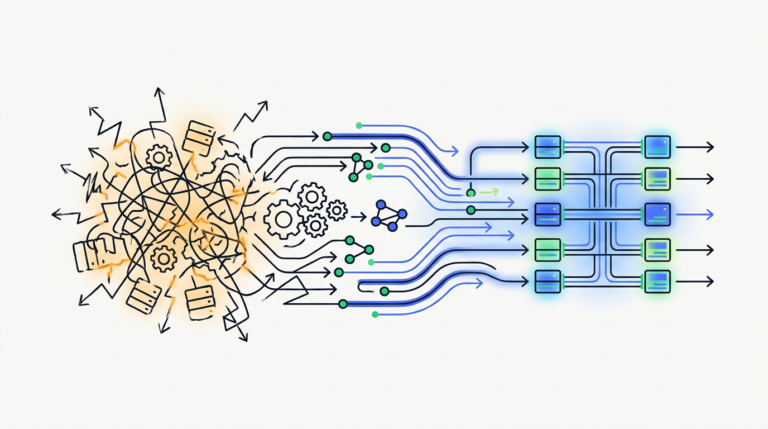
Resilient automation architecture is a design approach for building automated systems that can withstand failures and continue operating.…