
Best AI Search Engines in 2026 (Compared)
The Best AI Search Engine in 2026 (Compared & Tested) The best AI search engine delivers synthesized, cited…
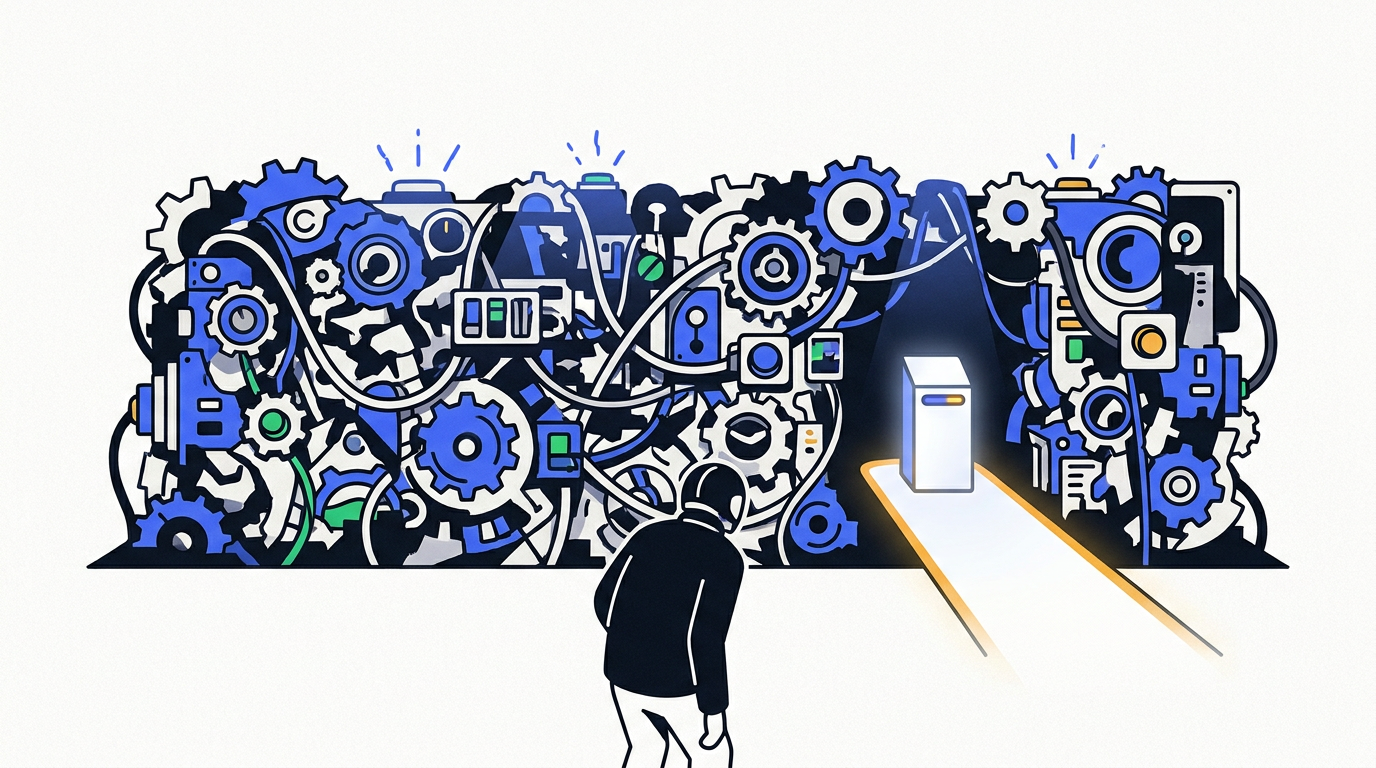
A no-code AI platform lets you build custom applications and automations using a visual drag-and-drop interface instead of traditional coding. For most non-developers wanting to build custom business workflows by connecting different apps, Make is the best and most versatile platform due to its vast integration library.
Most “AI tools” are just features. They perform one specific function, which is useful, but limited. What if you want to build something yourself? What if you have an idea for a custom workflow, a unique chatbot, or an internal app, but you can’t code?
That’s where a no-code AI platform comes in. These aren’t just tools; they’re entire workshops. They give you the power to connect different services, build custom logic, and deploy your own AI-powered creations without writing a single line of programming. It’s the difference between buying a pre-made chair and having a full woodshop to build any furniture you can imagine.
We’ve spent countless hours building, testing, and pushing the limits on dozens of these platforms. Most are either too simple, too expensive, or far too complicated for anyone who isn’t secretly a developer.
Here are the five we believe are actually worth your time.
An AI tool is designed to perform a specific task, like writing text (Jasper) or creating images (Midjourney). A no-code AI platform, on the other hand, is a broader environment. It lets you build your own custom applications, workflows, or tools, often by enabling the integration of multiple AI models and services.
| Platform | Best For | Ease of Use | Standout Feature |
|---|---|---|---|
| Make | Business & workflow automation | Easy | Visual workflow builder |
| Voiceflow | Building chatbots & voice assistants | Medium | True conversational design |
| Glide | Simple data-driven apps | Very Easy | Instant app from a spreadsheet |
| Bubble | Complex web applications | Hard | Total design & logic freedom |
| Retool | Internal tools & dashboards | Medium | Pre-built professional components |
The best no-code AI platform depends entirely on what you want to build. For automating business processes by connecting different apps, Make is the clear winner. For building sophisticated chatbots, Voiceflow is the industry standard. For creating simple apps from data, Glide is the fastest and easiest option for rapid deployment.
This isn’t just another list of AI tools. This is a curated selection of platforms that let you, a non-coder, become a builder. They empower the “citizen developer” in all of us to create powerful solutions.
Yes, you can absolutely build AI applications without coding. No-code AI platforms provide visual interfaces with drag-and-drop elements that handle all the complex code behind the scenes. You focus on the logic and design of your application, while the platform manages the underlying model integration, server infrastructure, and deployment.
Faced with these options, it’s easy to get paralyzed. The choice is simpler than it looks. Ask yourself three questions:
Let’s cut to the chase. Here’s our definitive, opinionated guide.
If you want to automate your business… start with Make. It is the single most useful no-code AI platform for 90% of business automation needs.
If you need a customer-facing chatbot… use Voiceflow. Don’t mess around with cheap, built-in chatbot widgets. Do it right or don’t do it at all.
If you have data in a spreadsheet and want a simple app… use Glide. You will feel like a genius when you have a working app in 30 minutes. It’s the fastest path from idea to deployment.
If you want to build the next big web app… Bubble is your only real choice. It’s hard, but it’s the only one that can truly replace custom code for a full-featured product.
If you need to build a tool for your team… Retool is the professional pick. It’s for the “citizen developer” inside a company who needs to build something solid and secure, fast.
Building is work. If this still sounds like a lot, that’s why our AI automation agency exists. We use these exact platforms to build the custom automations and AI solutions you need, so you can focus on your business.
Most no-code AI platforms operate on a “freemium” model. They offer a free tier that is great for learning, testing, and small projects. However, these free tiers always have limitations on usage or features. For any serious business application, you should expect to move to a paid plan.
No-code platforms are designed for use without writing any code, using purely visual, drag-and-drop interfaces. Low-code platforms are similar but also allow users to add custom code (like JavaScript or SQL) to extend functionality or create more complex logic. Retool and Bubble often blur this line.
No, you don’t. The point of a no-code AI platform is to abstract away the complexity. You don’t need to understand how an LLM model is trained or how an API call is structured. You just need to understand what you want the AI to do, and the platform provides a simple block to accomplish that task.

Part of the Thinker's Automation Labs content team. Researches with the SEO Blog Research Agent, drafts the piece, and routes it through review before publishing. Every claim is fact-checked against primary sources.
The Best AI Search Engine in 2026 (Compared & Tested) The best AI search engine delivers synthesized, cited…

Microsoft Designer is the best overall free AI image generator, offering a generous 100 daily images powered by…

The best AI video generator for most people is Runway, offering a powerful and accessible suite of creative…