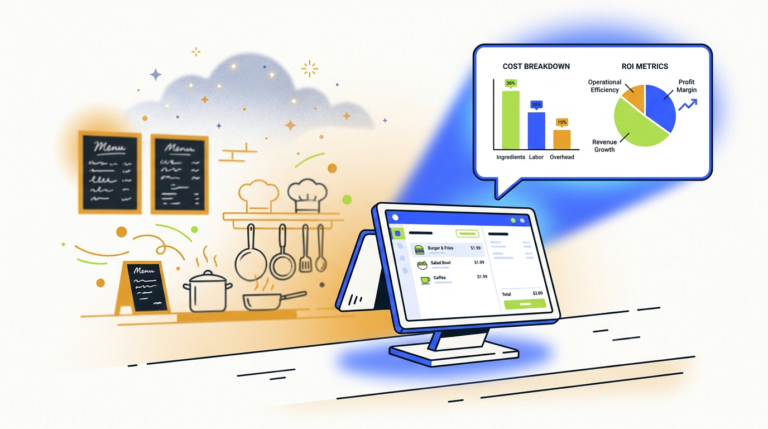
Restaurant Order Automation AI: A Guide to Costs & How It Works
Restaurant order automation AI uses artificial intelligence, like voice AI and natural language processing, to take customer orders…
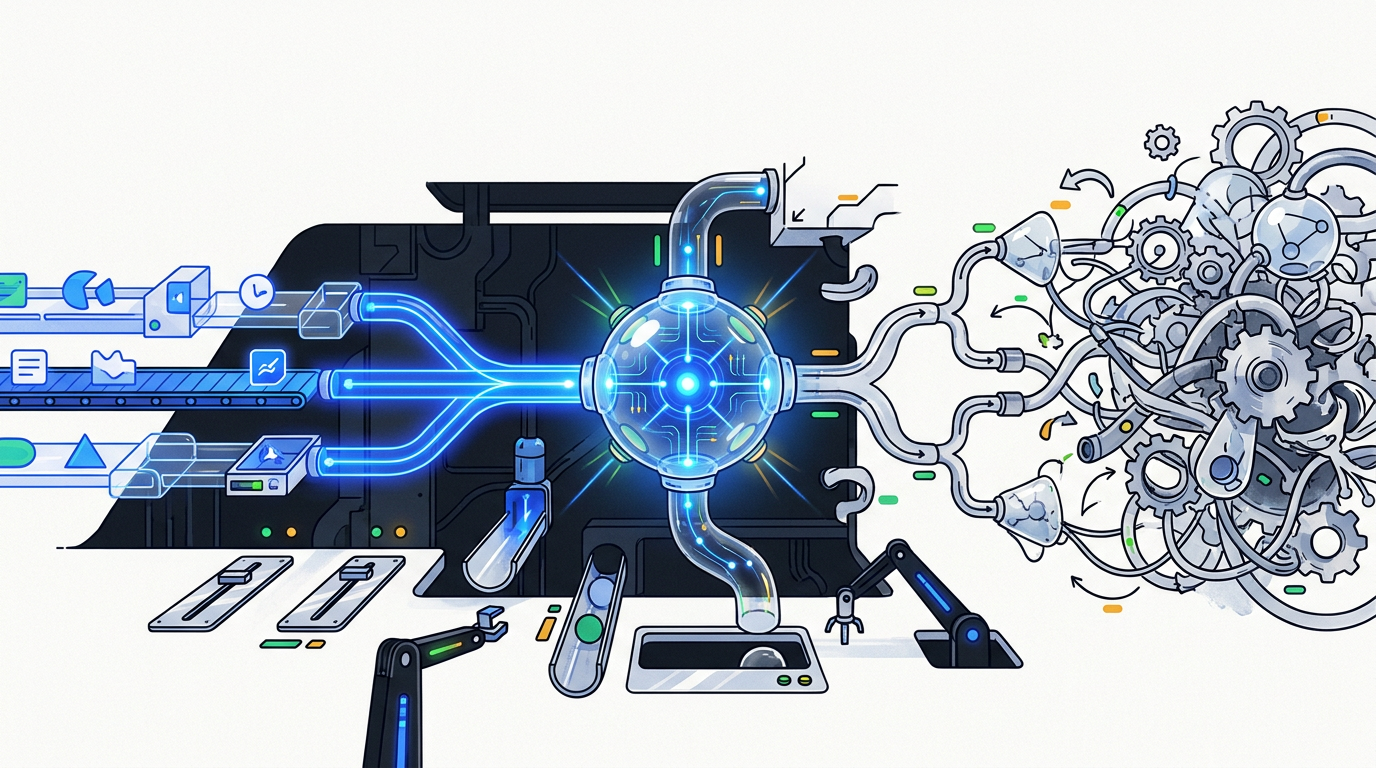
AI test automation tools use machine learning to improve software testing by helping to create, execute, and maintain tests more efficiently. Key features include automated test generation, visual bug detection, and self-healing capabilities that automatically fix broken test scripts, increasing both speed and test stability.
Let’s get the big, scary question out of the way first. No, a magical AI is not about to take your quality assurance job. Anyone who tells you otherwise is either selling something or doesn’t understand the work.
The reality is much more interesting and, frankly, more useful. The current wave of AI is a powerful assistant—a feature, not the whole product. It’s a tool that can finally tackle the most tedious, soul-crushing parts of software testing, freeing up humans to do the work that requires a real brain: strategy, exploration, and critical thinking. Think of it less as a replacement and more as a superpower that automates the grunt work.
This guide will give you a plain-English look at the world of AI test automation tools. We’ll cut through the hype, show you what’s actually working today, and help you decide which, if any, of these tools are worth your time. We’ll cover what they are, the best options for most teams, and how to think about integrating them without getting lost in the buzzwords. For a broader look at this topic, you can also read our guide to AI in software testing.
AI test automation tools are software applications that use artificial intelligence, specifically machine learning (ML), to enhance the process of quality assurance. They go beyond traditional automation by intelligently creating, executing, and maintaining test scripts, often with features like self-healing for broken tests and AI-powered visual validation.
If you’ve ever spent a whole day fixing a test suite because a developer changed the ID of a button, you already understand the problem AI testing tools are trying to solve.
Traditional test automation is powerful but brittle. It’s built on rigid scripts that follow exact instructions. When the application’s user interface (UI) changes—even slightly—those scripts break. This leads to endless, frustrating test maintenance.
AI test automation tools add a layer of intelligence on top of this process. They use machine learning to understand your application more like a human does, making the entire testing lifecycle smarter and more resilient.
The most important concept to grasp is self-healing. Imagine you’re using a GPS. If a road is closed, it doesn’t just stop and show an error message. It recalculates the route. That’s what self-healing tests do.
When a button’s code name changes, a traditional script fails. An AI-powered tool, however, looks at other attributes—the button’s text, its position on the page, its color, its relationship to other elements—and concludes, “Ah, this is almost certainly the same ‘Submit’ button, it just has a new technical name. I’ll update the test and keep going.”
This single capability is a massive leap forward in tackling test flakiness and reducing the burden of test maintenance.
It’s crucial to separate what’s real from what’s marketing fluff. A tool is not a strategy.
Where AI genuinely helps:
Where it’s mostly hype (for now):
Not all AI testing tools do the same thing. They generally fall into a few key categories.
These are the all-in-one solutions. They aim to be your central hub for quality assurance, using AI across the entire process—from low-code/no-code test generation to self-healing execution and smart reporting. They often integrate with your CI/CD pipeline for continuous testing.
While many platforms include self-healing, some tools specialize in it. They are designed to work with existing test frameworks like Selenium, Cypress, or Playwright, adding a layer of AI-powered stability to the tests you already have.
These tools focus exclusively on the look and feel of your application. They take pixel-perfect snapshots of your UI (called baseline images) and use AI to flag any unintended visual changes in new versions. Think of it as an automated game of “spot the difference.” Applitools is the biggest name here.
This is the newest category, powered by Large Language Models (LLMs). Tools like GitHub Copilot can help developers and QA engineers write test code faster. You can give it a prompt like, “Write a Playwright test for the login page,” and it will generate a functional script. It’s a powerful code assistant, but it still requires a human to review, refine, and integrate the code.
The market is crowded, and most tools are just fine. A few are great. We’ve focused on the three that represent the best starting points for most teams, each with a clear strength.
| Tool | Best For | Key Feature |
|---|---|---|
| Testsigma | Teams wanting a unified, all-in-one platform. | Writing tests in plain English. |
| Applitools | Teams obsessed with visual perfection and UI quality. | AI-powered visual and functional testing. |
| Mabl | Teams prioritizing ease of use and powerful self-healing. | Low-code test creation and auto-healing. |
The market is full of strong contenders. TestRigor doubles down on plain-English test creation, similar to Testsigma. Functionize is another powerful low-code platform with a strong focus on AI-driven root cause analysis. Katalon offers a broad platform that combines low-code and code-based testing, with AI features woven throughout. These are all worth a look if our top picks don’t feel like the right fit.
AI helps with flaky tests primarily through “self-healing.” When a UI element’s code (like an ID or XPath) changes, AI uses machine learning to look at other attributes—text, position, and nearby elements—to correctly identify the element and automatically update the test script, preventing a failure.
The key difference is intelligence and adaptability. Traditional automation follows a rigid, pre-written script and breaks if anything changes. AI-augmented testing uses machine learning to create tests more easily, automatically heal them when the app changes, and provide smarter analysis of failures.
No, AI will not replace QA testers. It will change the role. AI automates repetitive tasks like script writing and maintenance, allowing QA professionals to focus on higher-value work like test strategy, exploratory testing, risk analysis, and ensuring the application meets real user needs—things AI cannot do.
A new tool won’t fix a broken process. Before you sign up for a dozen free trials, take a strategic approach.
First, look inward. What are your team’s skills? Are they comfortable writing code in frameworks like Selenium or Playwright, or is a no-code/low-code solution a better fit? What does your existing tech stack look like? The best tool is one that integrates smoothly into your current CI/CD pipeline and test environments.
Don’t buy an “AI testing tool.” Solve a specific problem.
Match the tool to your biggest pain point.
Resist the urge to automate everything at once. Pick one critical user journey in your application. Dedicate a week to building it out in your top one or two tool choices. This is the only way to know for sure. Does it handle your app’s complexities? Is it actually saving you time? Proving one workflow is far more valuable than planning to build ten.
Buying the tool is the easy part. Using it effectively requires a shift in thinking.
AI is only as good as the data it’s trained on. For testing, this means having a solid test data management (TDM) strategy. AI tools can help generate synthetic data to increase test coverage, but you need a process for ensuring that data is realistic and that any sensitive production data used is properly anonymized to protect user privacy.
When an AI generates a test case, who owns it? Who is responsible if it misses a bug? You need to establish clear governance for AI-generated test artifacts. This includes version control, review processes, and transparency into why the AI made certain decisions. Be mindful of potential biases in the AI models, which could lead them to overlook certain types of bugs or user paths.
Measuring the return on investment (ROI) for AI test automation tools goes beyond “hours saved.” Look at metrics that reflect true quality and efficiency gains:
The rise of AI doesn’t diminish the QA role; it elevates it. Automation is absorbing the entry-level, repetitive tasks, which means the first rung on the career ladder is getting higher.
For years, a huge part of a QA automation engineer’s job was simply writing and maintaining scripts. AI is taking over much of that. The future of the QA role is less about how to test and more about what to test and why. Your value comes from your deep understanding of the user, the product, and the business risks. You become the test strategist who directs the AI, not the scripter who types out its instructions.
To thrive, QA professionals need to cultivate a few new skills:
The idea of “smart” testing isn’t new, but the technology has finally caught up to the ambition.
In the early days, we had simple record-and-playback tools. These were incredibly brittle and gave “automation” a bad name. Then came powerful open-source frameworks like Selenium, which gave engineers fine-grained control but required significant coding skills and still suffered from high maintenance.
The first wave of “AI” in testing, starting in the mid-2010s, focused on solving the locator problem with early forms of self-healing. Now, with the explosion of machine learning and LLMs, we’re in the third wave. Today’s AI test automation tools are far more ambitious, aiming to assist with test creation, visual validation, data generation, and root cause analysis—a true partner in the quality assurance process.
What skills do I need to use AI testing tools?
It depends on the tool. For low-code/no-code platforms like Testsigma or Mabl, you primarily need a good understanding of software testing principles. For using code assistants like GitHub Copilot, you’ll need programming skills. The most important universal skill is critical thinking to guide and validate the AI’s work.
Are there open-source AI test automation tools?
While many AI testing tools are proprietary, the ecosystem is growing. Some platforms build on open-source foundations like Selenium and Playwright. There are also emerging open-source projects focused on specific AI testing tasks, but the most polished, end-to-end solutions are currently commercial products.
How much do AI test automation tools cost?
Pricing varies wildly. Some tools offer free tiers for small projects. Paid plans typically start from a few hundred dollars per month and can go up to tens of thousands per year for large enterprise teams, often based on the number of tests run or parallel executions needed. Always run a pilot on a free tier before committing.

Part of the Thinker's Automation Labs content team. Researches with the SEO Blog Research Agent, drafts the piece, and routes it through review before publishing. Every claim is fact-checked against primary sources.
Restaurant order automation AI uses artificial intelligence, like voice AI and natural language processing, to take customer orders…

The latest AI tools released in October 2026 include new proprietary models from major labs like OpenAI and…

Playwright is a browser automation library used for web scraping by controlling real browser engines like Chromium, Firefox,…