Latest AI Tools Released This Month: October 2026 Guide
The latest AI tools released in October 2026 include new proprietary models from major labs like OpenAI and…
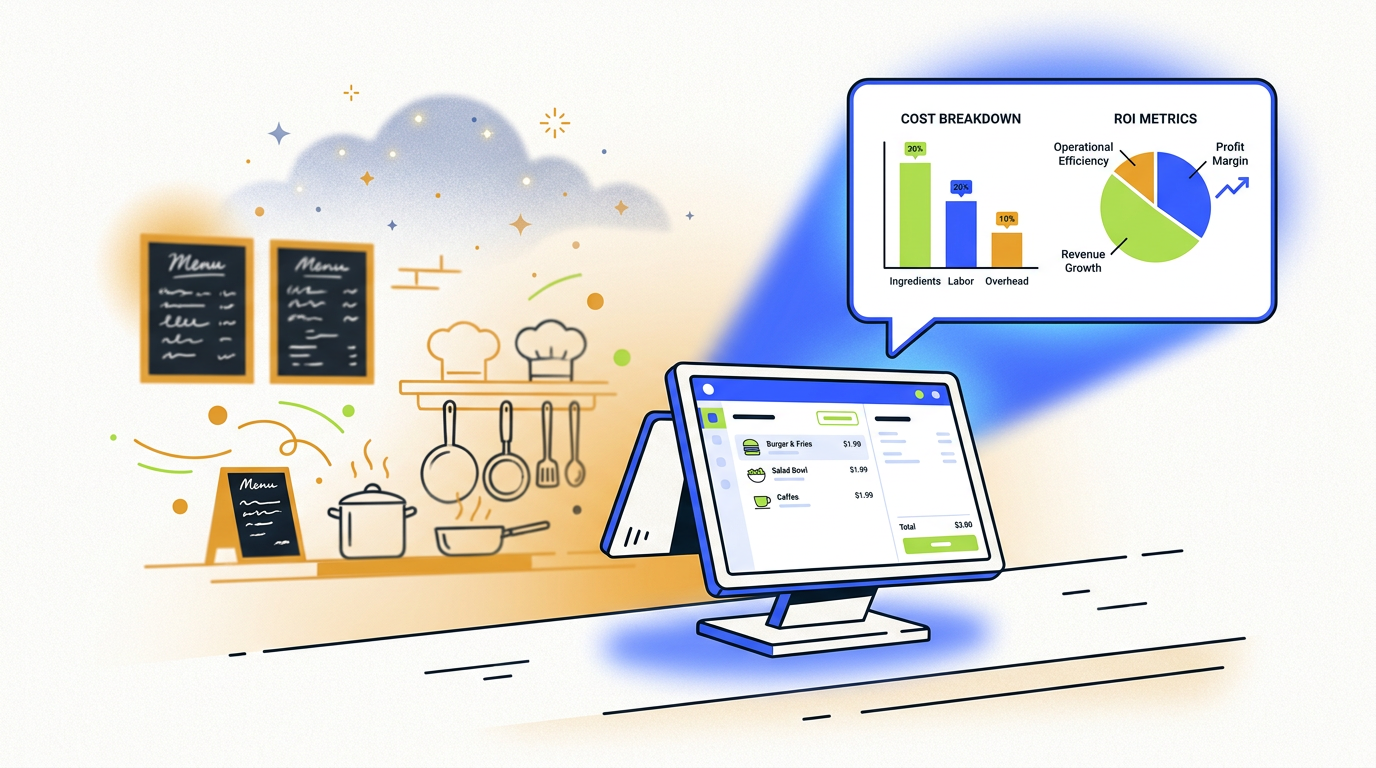
Restaurant order automation AI uses artificial intelligence, like voice AI and natural language processing, to take customer orders via phones, kiosks, or online platforms. This technology integrates with your POS system to increase order accuracy, reduce staff workload, and improve operational efficiency, especially during peak hours.
You know the sound. It’s 6:30 PM on a Friday. The line is ten deep, the kitchen printer is spitting out tickets like a slot machine, and the phone is ringing. And ringing. And ringing. Every one of those rings is a customer with a credit card, but your host is seating a family of six and your manager is dealing with a supplier. Each missed call is money walking out the door.
For years, the only answers were “hire more people” or “just let it ring.” Now, there’s a third option that’s finally getting good enough to talk about: restaurant order automation AI.
Let’s be clear: this isn’t about replacing your staff with a robot from a sci-fi movie. It’s about giving your team a brutally efficient assistant—one that never gets flustered, never forgets to upsell, and can handle fifty calls at once. It’s a tool. And like any tool, you need to know how it works, what it really costs, and whether it’s even right for you in the first place.
Most of the hype around AI is just that: hype. But this is one of the few areas where it’s solving a real, expensive problem for businesses. So, let’s cut through the noise and talk about what this technology actually does.
At its core, AI restaurant order automation is a system that uses software to take a customer’s order without human intervention. It’s not just a simple recording. It uses a technology called Natural Language Processing (NLP), which is a fancy way of saying it understands how people actually talk—with all their “ums,” “ahs,” and last-minute changes.
Think of it as the world’s most focused employee. Its only job is to:
This can happen over the phone with a voice AI, on a self-service kiosk, or through a smart online ordering menu. The AI acts as the bridge between the customer and your Point of Sale (POS) system, getting the order into the kitchen queue just like your staff would.
This isn’t about technology for technology’s sake. It’s about fixing the most annoying and costly problems in day-to-day operations.
An AI ordering system uses voice recognition and natural language processing to understand a customer’s spoken order, confirms the items for accuracy, and sends it directly to the restaurant’s Point of Sale (POS) and kitchen. It handles the entire transaction, from greeting to payment, without requiring staff intervention.
No matter the platform—phone, kiosk, or app—every AI ordering system follows the same basic logic. It’s a simple, three-step dance.
This is the most common and, for many restaurants, the most impactful form of restaurant order automation. When a customer calls, instead of ringing endlessly or hitting a busy signal, they’re greeted instantly by the AI phone agent.
The experience feels like talking to a very efficient human. The AI can answer basic questions (“Are you still open?”), handle complex orders with multiple modifications, and process payment. The best systems can even recognize repeat customers by their phone number and ask if they’d like to reorder their usual. If you run a business that relies heavily on phone orders, this is where you should start. You can learn more about the top platforms in our guide to the best AI voice ordering systems.
For Quick Service Restaurants (QSRs) and fast-casual spots, the bottleneck is often the line. AI-powered kiosks allow customers to browse the menu visually and place their own orders, while voice AI is rapidly being deployed for drive-thru automation.
Instead of shouting into a crackly speaker box, customers speak to a voice AI that confirms their order on a large screen. This speeds up the line, improves order accuracy, and frees up an employee who would otherwise be stuck at that window.
Most restaurants already have online ordering. The “AI” part makes it smarter. Instead of just a static menu, an AI-powered system can offer personalized recommendations based on past orders, time of day, or what’s popular. It can create a guided menu experience, helping indecisive customers find something they’ll love and, of course, systematically upselling them along the way.
This is the multi-thousand-dollar question. An AI ordering system that doesn’t talk to your POS is not an automation tool; it’s a glorified answering machine that creates more work.
If the system isn’t integrated, someone on your staff has to manually take the order from the AI’s dashboard and punch it into the POS. This defeats the entire purpose.
Here’s the only thing you need to do: Before you sign a contract or even sit through a full demo, ask the vendor for a list of POS systems they have direct, certified integrations with. If your POS isn’t on the list, the conversation should probably end there unless you’re prepared to switch your entire POS.
Good POS integration means the AI order appears in your kitchen and in your sales reports exactly like an order taken by a human employee. No manual entry, no separate tablets, no headaches.
The sales pitches are full of buzzwords like “streamline operations.” But what does that actually look like on a Tuesday night?
You might think talking to a robot is a worse experience. But is it worse than a 10-minute hold time? Is it worse than a busy signal? Is it worse than a rushed, stressed employee who gets the order wrong?
For a customer who just wants to order their pizza and get on with their life, a fast, accurate, and always-available AI is a massive improvement. They’re not calling for a chat; they’re calling to transact. The AI lets them do that instantly.
When orders are automatically and accurately injected into the kitchen display system (KDS), the whole operation runs smoother. The kitchen gets a steady, predictable flow of tickets, not a sudden rush when a staff member finally gets off the phone and punches in five orders at once.
This also makes for a better work environment. Your highly-valued staff can focus on high-value tasks: crafting beautiful food, providing amazing service to dine-in guests, and managing the floor. They aren’t stuck being human answering machines. This reduces labor costs not by firing people, but by making the people you have more effective and less likely to quit.
This is the simplest part of the equation.
Many restaurants find that the system pays for itself purely through the revenue from calls they were previously missing. The boost in average check size is pure profit on top.
AI ordering isn’t free, and anyone who tells you it is is selling something. The pricing models generally fall into two camps: a flat monthly subscription or a percentage-based fee per order. Both have upfront setup fees that can range from $0 to over $1,000, depending on the complexity of your menu and integration.
Here’s a realistic look at the costs:
So, is it worth it? Let’s do some simple math.
Imagine your restaurant misses 20 calls a day during your dinner rush, and your average order is $30.
20 missed calls/day * $30/order = $600 in lost revenue per day.Now, let’s say an AI system costs you $400/month. It captures 90% of those calls.
$18,000 * 0.90 = $16,200 in recovered revenue.(18 calls/day * $2/upsell) * 30 days = $1,080 in extra revenue.Total Gain: $16,200 (recovered) + $1,080 (upsell) = $17,280
Net ROI: $17,280 (Gain) - $400 (Cost) = $16,880 per month.
This is a simplified example, but the logic is sound. For a high-volume restaurant, the ROI isn’t just positive; it’s massive.
Setting up an AI ordering system is more involved than downloading an app. While vendors promise a seamless experience, the reality is that an AI system is not a magic box; it’s a distributed system that touches your menu, your staff, and your customers. The most common points of failure are classic systems problems, not weird AI behavior. Here’s what to watch out for.
If your menu is “one size, one price,” setup is easy. But if you have dozens of toppings, modifiers, combos, and special instructions, the AI needs to be meticulously taught every possible combination.
Your staff might see the AI as a threat or a nuisance. If they don’t trust it, they’ll try to work around it, negating the benefits.
You need to get your menu data into the AI’s “brain.” This is often the most time-consuming part of the setup.
While voice AI for phone calls gets most of the attention, it’s not the only game in town. The right solution depends entirely on where your biggest bottleneck is.
| Solution Type | Best For | How It Works | Key Benefit |
|---|---|---|---|
| Voice AI (Phone) | Pizzerias, takeout-heavy restaurants, any business with high call volumes. | An AI agent answers the phone, takes the order, and processes payment. | Eliminates missed calls and frees up staff during peak hours. |
| AI Kiosk / Drive-Thru | QSRs, fast-casual chains, coffee shops, stadiums. | Customers place orders via a touchscreen or by speaking to a voice AI at a terminal. | Speeds up lines, increases order accuracy, and enables staff redeployment. |
| Smart Online/App AI | Virtually any restaurant with an online presence. | AI-powered suggestions, personalized menus, and guided ordering on your website or app. | Increases average check size through intelligent, automated upselling. |
When you’re handling names, phone numbers, and credit card information, security is not optional. This is a critical area that many restaurants overlook when they get excited about new technology.
The good news is that you are not responsible for building the security infrastructure. Your AI vendor is. However, you are responsible for choosing a vendor that takes this seriously.
Here’s what to look for:
Think of it this way: you’re hiring a third party to handle your cash. You’d want to make sure they’re trustworthy and have a very strong safe. The same principle applies here.
Order-taking is just the beginning. The real power of AI will be unlocked when it connects the front-of-house to the back-of-house, creating a fully integrated and intelligent system.
The next wave of innovation will focus on hyper-personalization and prediction. Imagine an AI that not only recognizes a repeat customer but also knows they order on Tuesdays and prompts them with, “Hey John, welcome back! Getting your usual large pepperoni and wings tonight?”
We’re also seeing the rise of AI kitchen automation. These systems use cameras and sensors to track cooking times, ensure order accuracy, and optimize workflows for the kitchen staff. When you connect an AI ordering system directly to an AI kitchen system, you get an end-to-end view of your entire operation, from the moment a customer thinks about ordering to the moment the food goes out the door. This is where you move from simple task automation to true business intelligence.
So, after all that, should you actually get a restaurant order automation AI? Here’s our decisive, no-fluff verdict.
You should seriously consider this now if:
You can probably wait (or skip it) if:
A tool is not a strategy. If your core problem isn’t a high volume of transactional orders, this tool won’t solve it. But if you’re drowning in calls and leaving money on the table every night, this is one of the most practical and profitable applications of AI available today.
How does an AI ordering system actually work in a restaurant?
It integrates with your phone line or kiosk and uses voice recognition to understand a customer’s order. It confirms the items, upsells, processes payment, and then sends the finalized order directly to your POS and kitchen printer, just like a human employee would.
What are the real costs and ROI of AI order automation?
Costs typically involve a one-time setup fee ($0-$1,500+) and an ongoing monthly subscription ($200-$500/month) or a per-order fee. The ROI comes from capturing previously missed orders, increasing the average check size through consistent upselling, and reducing labor costs associated with order taking. For high-volume restaurants, the ROI is often realized within the first couple of months.
Is an AI ordering system hard to set up?
It can be, depending on your menu’s complexity and your POS system. A simple menu and a common POS can be set up in a few days. A complex menu with many modifiers and a less common POS can take several weeks of programming and testing. The key is working with a vendor who handles the heavy lifting of menu migration and integration.
What are the downsides of using AI for restaurant orders?
The primary downsides are cost, the potential for an impersonal customer experience if not implemented well, and reliance on a third-party vendor. There’s also the implementation hurdle—if your menu is very complex or your POS is not compatible, the setup can be difficult. Finally, if the AI is poorly trained, it can lead to frustrating customer interactions and incorrect orders.

Part of the Thinker's Automation Labs content team. Researches with the SEO Blog Research Agent, drafts the piece, and routes it through review before publishing. Every claim is fact-checked against primary sources.
The latest AI tools released in October 2026 include new proprietary models from major labs like OpenAI and…

Playwright is a browser automation library used for web scraping by controlling real browser engines like Chromium, Firefox,…
The best free AI assistant depends on your needs. For general tasks and creative writing, ChatGPT’s free tier…