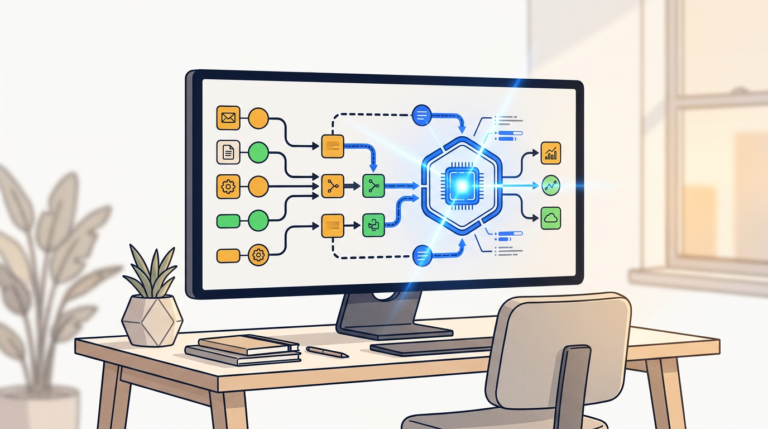
n8n AI Agent Tutorial: Build Your First AI Agent in 2024
An n8n AI agent tutorial is a step-by-step guide for building automated agents using n8n’s visual, no-code platform.…
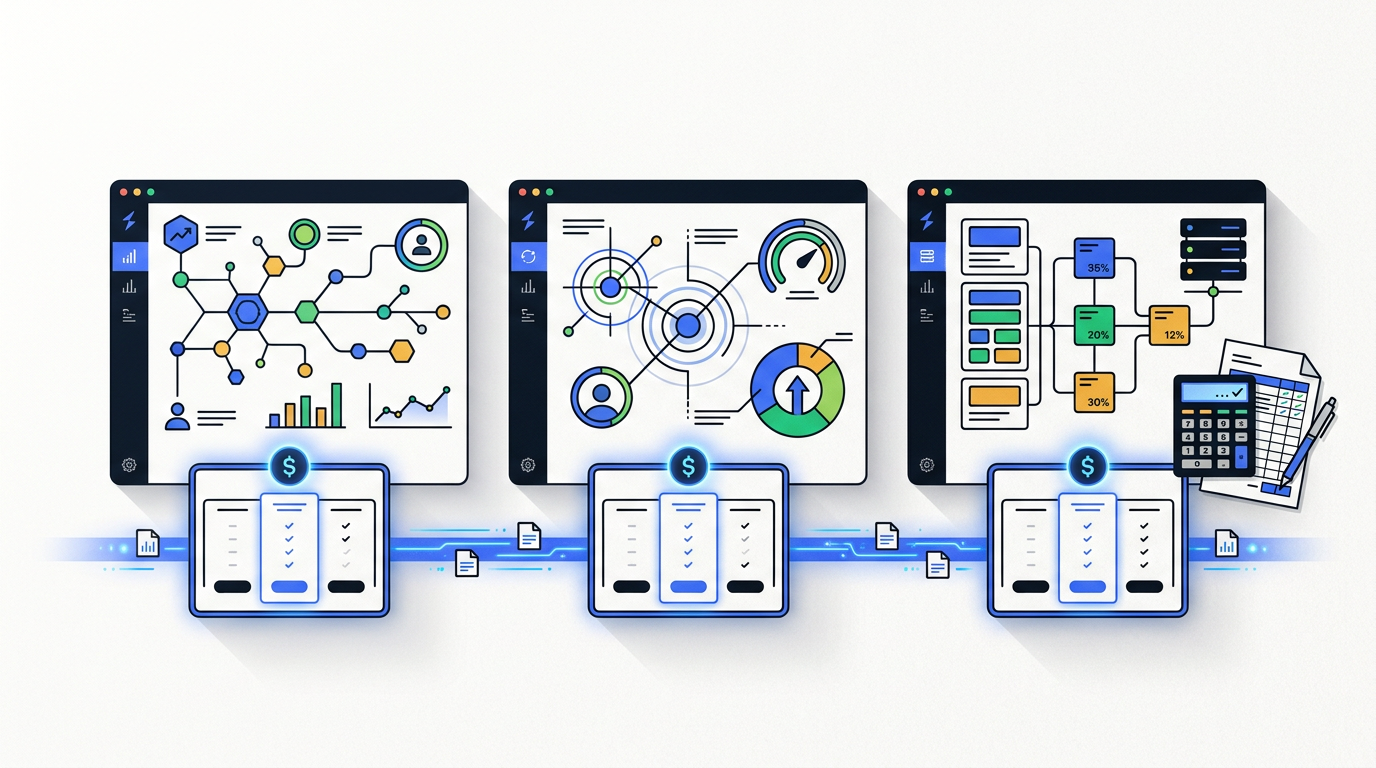
n8n is a developer-focused, open-source automation tool offering deep customization and self-hosting options. Zapier is a user-friendly, no-code platform known for its vast library of integrations and ease of use. Make (formerly Integromat) offers more complex, visual workflows than Zapier but is less technical than n8n.
Let’s cut the fluff. You want to connect a tool like ChatGPT to your business, but you’re staring at a wall of options. The n8n vs Zapier debate isn’t just about features; it’s a choice between two fundamentally different philosophies for building things online. It’s a question of who you want to be: the person who rents a furnished apartment or the person who buys land and builds their own house?
Most guides will give you a bland, fence-sitting summary. We won’t. We believe one of these tools is dramatically more powerful and cost-effective for anyone serious about AI automation, while another is the most expensive way to do simple things. The third option, Make, sits in a useful but sometimes awkward middle ground.
Choosing the right platform isn’t about picking the “best” one. It’s about matching the tool’s core purpose to your needs, budget, and—most importantly—your tolerance for tinkering.
This whole decision boils down to a single trade-off: do you want total ownership and control, or do you want maximum ease and convenience?
Your answer to this single question will point you to the right tool 90% of the time.
| Feature | n8n | Zapier | Make |
|---|---|---|---|
| Core Idea | Open-source, self-hostable, workflow-code platform. | No-code, managed service for simple integrations. | Visual, no-code platform for complex workflows. |
| Best For | Developers, power users, and businesses wanting control. | Beginners, marketers, and simple point-to-point tasks. | Visual thinkers who need complex logic without code. |
| Pricing Model | Execution-based (pay per workflow run). Generous free tier. | Task-based (pay for every single step). Expensive at scale. | Operation-based (pay for each module operation). |
| Ease of Use | Steepest learning curve, but powerful node-based UI. | Easiest to learn. Simple, linear “if this, then that.” | Moderate learning curve. The visual builder is intuitive but deep. |
| AI Integrations | Excellent. Native LangChain nodes, vector databases, custom code. | Good. Built-in AI actions, OpenAI integration. | Good. Strong OpenAI/Anthropic nodes, visual flow helps. |
| Hosting | Self-hosted (your server) or Cloud-hosted. | Cloud-hosted only. | Cloud-hosted only. |
n8n (pronounced “nodemation”) is an open-source workflow automation tool. Think of it as a set of digital Lego bricks for connecting apps and services. Unlike Zapier, its power lies in its flexibility. You can run it on your own server (self-hosted), giving you complete control over your data and costs, or you can use their paid cloud version.
Its visual, node-based canvas lets you build complex workflows with multiple steps, branches, and loops. Crucially, it includes a “Code Node,” allowing you to drop in JavaScript or Python to do anything the pre-built nodes can’t. This makes it a true “low-code” platform—easy to start, with an unlimited ceiling for customization. It’s the best automation tool most people haven’t heard of.
Zapier is the 800-pound gorilla of no-code automation. Its mission is simple: connect App A to App B without writing a single line of code. Its key strength is its massive library of over 6,000 app integrations. If a popular cloud app exists, Zapier probably connects to it.
The workflow builder is a simple, linear “trigger-and-action” format. When X happens in this app, do Y in that app. This makes it incredibly easy for non-technical users to get started. The trade-off for this simplicity is a lack of flexibility for complex logic and a pricing model based on “tasks” (every action a workflow performs), which can become eye-wateringly expensive very quickly.
Make (formerly Integromat) is the main competitor to Zapier and a fantastic Zapier alternative. It also connects apps, but its interface is a drag-and-drop canvas, similar to n8n. This visual approach lets you build workflows that are far more complex than Zapier’s linear paths. You can easily add routers to send data down different paths, or iterators to process lists of items.
Make is a closed-source, cloud-only tool like Zapier, but it offers a middle ground in terms of power and price. It’s more capable and generally cheaper than Zapier for complex workflows, but it’s less extensible and controllable than n8n. It’s for people who have outgrown Zapier’s simplicity but aren’t ready to run their own server with n8n.
This is the most important distinction. Zapier and Make are proprietary, managed services. You pay them, and they handle everything. It’s convenient, but you’re locked into their ecosystem, their features, and their pricing.
n8n is open-source. This means the code is public, and you can download it and run it for free on your own infrastructure. This gives you ultimate control over security, data privacy, and performance. If a feature is missing, a technically-inclined team member can build it. This philosophy treats automation as a core, controllable part of your infrastructure, not just a service you rent.
This is where the n8n vs Zapier comparison gets brutal.
Zapier boasts the largest number of off-the-shelf app integrations. For sheer breadth, it’s the winner. If you need to connect to an obscure SaaS tool, Zapier is your best bet.
However, n8n and Make often provide more depth within their integrations. They expose more API endpoints and give you finer control over the data. More importantly, n8n’s “Code Node” and powerful HTTP Request node mean you can connect to any service with an API, even if a dedicated node doesn’t exist. This gives n8n functionally infinite integration capability, provided you’re willing to do a little configuration.
All three platforms can connect to AI models like OpenAI’s GPT-4, but they do it in different ways. This is critical when choosing the best automation tool for AI workflows.
Zapier has leaned into AI by adding built-in actions that can summarize text, write emails, and more. You can easily connect to your OpenAI account to send prompts and get back results. They also have “Zapier Tables,” a simple database for storing state, and are rolling out more agent-like capabilities. It’s great for simple, one-shot AI tasks like “summarize this email” or “draft a reply.”
This is n8n’s killer feature for advanced AI. n8n has native nodes for LangChain, a powerful open-source framework for building applications with large language models. This isn’t just about sending a prompt to an AI; it’s about building sophisticated AI agents that can reason, use tools, and access memory.
With n8n, you can visually chain together LangChain components, connect them to vector databases (like Pinecone or Weaviate) for long-term memory, and use code nodes to process the results. This lets you build production-grade AI systems, not just simple prompts. The ability to orchestrate these complex agentic workflows visually is a massive advantage over writing raw Python code.
Make has excellent, robust integrations with OpenAI, Anthropic, and other AI providers. Its visual builder is well-suited for creating multi-step AI chains. For example, you can take user input, send it to GPT-4 for analysis, use a router to decide the next step based on the response, and then call another AI to generate an image. It’s more powerful than Zapier for chaining AI calls but lacks the specialized agent-building frameworks found in n8n.
The real cost difference is dramatic and driven by their pricing models. Zapier is often the most expensive for any meaningful volume because it charges per task. A complex, 10-step AI workflow running 1,000 times a month could cost hundreds of dollars on Zapier. That same workflow on n8n’s cloud plan might cost a fraction of that, as you only pay for the 1,000 executions, not the 10,000 individual tasks. Make typically falls in the middle. For self-hosted n8n, the software is free, and you only pay for your server costs, which can be as low as $5-10/month for significant volume.
For advanced AI workflows, n8n is unequivocally better. Its native integration with frameworks like LangChain allows you to build sophisticated AI agents that can use tools, memory, and complex reasoning—capabilities far beyond the simple prompt-and-response model of Zapier and Make. The ability to drop into custom Python or JavaScript code and connect to vector databases directly within the same visual workflow makes n8n the superior data platform for building production-grade AI systems.
Self-hosting n8n gives you maximum security and data governance. Your data and credentials never leave your own servers, which is a hard requirement for industries like healthcare or finance. The con is that you are responsible for securing the server, managing updates, and maintaining the infrastructure. Using a cloud tool like Zapier or Make offloads that responsibility; they are SOC 2 compliant and manage security for you. The con is that you are trusting a third party with your sensitive data and API keys, creating a larger attack surface.
For a complete beginner with no technical inclination, n8n can be challenging. Its interface requires understanding basic data structures (like JSON), which is a hurdle Zapier abstracts away. However, for a “power user”—someone comfortable with complex Excel formulas or Notion databases—n8n is very learnable. Its visual debugger is a fantastic learning tool. While it’s not strictly “no-code” for advanced use, many powerful AI automations can be built without writing any code, making it accessible to determined non-technical founders and marketers.
With Zapier and Make, you are handing your API keys and data to a third party. They have robust security practices (like SOC 2 compliance), but the fact remains: your data lives on their servers.
With a self-hosted n8n instance, you hold all the keys. The application runs on your infrastructure, behind your firewall. For companies in regulated industries like finance or healthcare, this isn’t a “nice-to-have”; it’s a requirement. You have complete data sovereignty.
Zapier and Make are highly reliable managed services. Their business is keeping your automations running, and they have teams of engineers dedicated to it.
With n8n, reliability is a function of your hosting. If you run it on a cheap, underpowered server, it might struggle. But if you deploy it on robust infrastructure (like AWS, Google Cloud, or DigitalOcean), it can be just as, if not more, reliable. Production-grade automation is about building for resilience, and n8n gives you the tools (like error workflows and retry logic) to build truly robust systems.
This is a crucial, often-overlooked factor. Sooner or later, your automation will fail.
Don’t just look at the monthly subscription.
Imagine you just want to get an email notification every time someone fills out a Typeform on your website.
Imagine you run an e-commerce store. When a new order comes in, you need to:
Imagine you want to build an AI agent to monitor brand mentions.
A smart strategy isn’t always about picking one tool. Many businesses use a hybrid approach.
This gives you the best of both worlds: speed and accessibility for simple tasks, and power, control, and cost-effectiveness for the processes that actually run your business.
Start by trying the free tiers of all three. But here’s our real advice:
For anyone who is even remotely serious about leveraging automation and AI, learn n8n.
Zapier is a great starting point, but it’s a gilded cage. You’ll quickly hit the limits of its functionality or its pricing. Make is a solid middle ground, but it still locks you into a proprietary platform.
n8n is different. It’s a platform you can grow with. You can start with simple workflows on their free cloud tier and eventually graduate to a powerful, self-hosted instance that runs your entire company’s backend for a fraction of the cost of the alternatives. The investment in learning it pays dividends in power, flexibility, and long-term savings. In the n8n vs Zapier fight, one is a tool, the other is a toolkit. For building the future, you’ll want the toolkit.
Is n8n a good Zapier alternative?
Yes, n8n is one of the best Zapier alternatives available, especially for users who find Zapier too expensive or too limited. It offers more power, flexibility, and a much more scalable pricing model, with the added benefit of being open-source and self-hostable.
Can I migrate my workflows from Zapier to n8n?
There is no direct, one-click migration tool. You will need to rebuild your workflows (or “Zaps”) manually in n8n’s interface. However, the process of rebuilding often helps you improve and optimize the original workflow, and n8n’s structure can handle more complex logic more elegantly.
Which tool has better community support?
Zapier has a massive user base and extensive help documentation. n8n has a smaller but incredibly active and helpful community forum and Discord server. Because n8n is open-source, you’ll often find community members (and the n8n team itself) directly helping users solve complex problems and even contributing new features.

Part of the Thinker's Automation Labs content team. Researches with the SEO Blog Research Agent, drafts the piece, and routes it through review before publishing. Every claim is fact-checked against primary sources.
An n8n AI agent tutorial is a step-by-step guide for building automated agents using n8n’s visual, no-code platform.…
November 2026 in AI is focused on significant updates rather than entirely new model launches. Key events include…

To start an AI automation agency, first identify a specific niche and a high-value problem to solve. Develop…