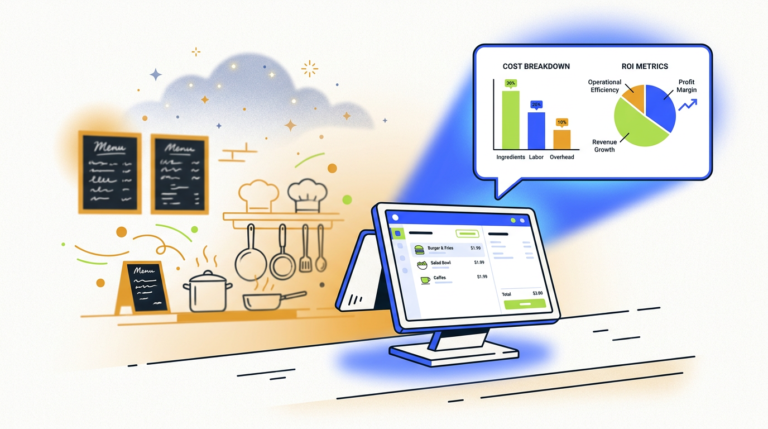
Restaurant Order Automation AI: A Guide to Costs & How It Works
Restaurant order automation AI uses artificial intelligence, like voice AI and natural language processing, to take customer orders…
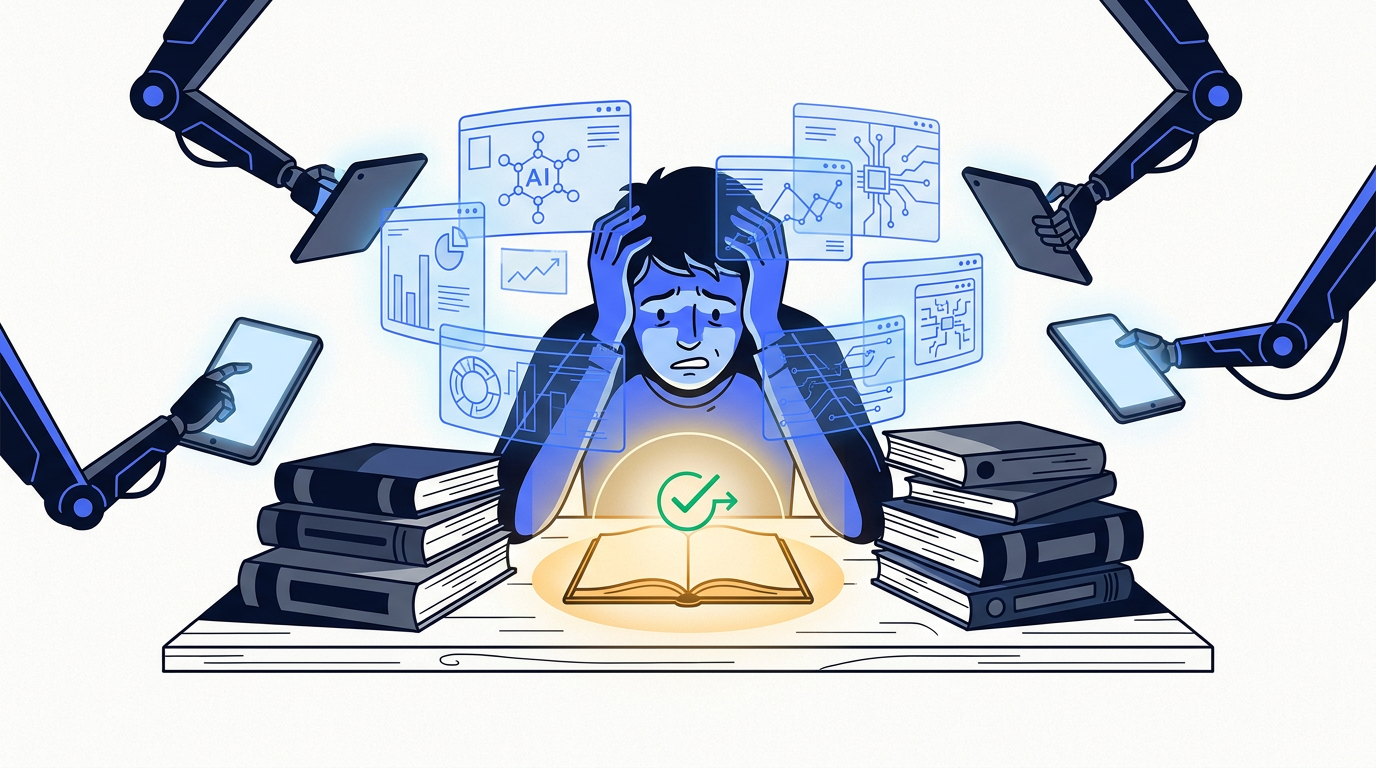
The best AI tips for students involve using AI tools as a learning assistant, not a replacement for work. Use them to brainstorm ideas, summarize complex texts, and explain difficult concepts. Always verify AI-generated information, cite properly, and prioritize your own critical thinking to maintain academic integrity.
Let’s be honest. The first thought you had when you got access to ChatGPT wasn’t, “How can this support my deep understanding of 19th-century literature?” It was probably closer to, “Write me an essay about Moby Dick.”
We get it. The temptation to turn your homework into a simple copy-paste job is real. But using AI that way is a rookie mistake. It’s not just about getting caught (which you might); it’s about robbing yourself of the one thing school is supposed to give you: a brain that can actually think.
The good news is that there’s a much smarter way to use these tools. AI can be an incredible learning support system—a tireless study buddy, a brilliant research assistant, and a patient tutor. You just have to learn how to use it right. This guide will give you the practical, no-nonsense AI tips for students that actually work, from research to writing, all while keeping your academic integrity intact.
Think of AI not as a vending machine for answers, but as a sparring partner for your brain. Its job isn’t to do the work for you, but to help you do the work better. When you ask an AI to write your essay, you learn one thing: how to copy and paste. You don’t learn how to structure an argument, how to find evidence, or how to write a compelling sentence.
The real value is in the process. Using AI effectively means keeping yourself in the driver’s seat. You’re the one asking the questions, evaluating the answers, and making the final decisions. The AI is just a powerful, slightly weird, and occasionally wrong assistant along for the ride. Outsourcing the thinking is a fast track to a lower grade and a less capable mind.
Instead of asking AI to do your homework, ask it to help you with your homework. The difference is subtle but everything. Here are the three best ways to use AI as a legitimate learning tool.
Staring at a blank page is the worst. AI is a fantastic cure for writer’s block. Instead of asking it to write the paper, ask it for the building blocks.
This gives you a menu of ideas to choose from. You still have to do the research, writing, and thinking, but you’re not starting from zero. It’s a powerful way to kickstart your own creative process.
Let’s face it, academic papers can be dense and boring. If you have a 30-page research paper to get through, you can use an AI to get the gist first. Copy and paste the text (or upload the PDF to a tool that allows it) and ask for a summary.
This is not a substitute for reading the paper. But it gives you a roadmap. You’ll know what to look for and which sections deserve your closest attention. This is one of the best AI study hacks for tackling a heavy reading list.
Is your textbook’s explanation of cellular respiration or Keynesian economics making your eyes glaze over? AI is an incredible explainer. You can ask it to break down complex topics in simple terms.
You can even ask it to explain the same concept from different perspectives or use different analogies until it finally clicks. It’s infinitely more patient than most professors. This is a game-changer for genuine learning support.
Ethical use of AI for a student means using these tools to enhance your own learning and critical thinking, not to bypass it. It requires being honest and transparent about how you’re using AI, never submitting AI-generated text as your own work, and always verifying the information it provides. It’s the difference between using a calculator to check your math and having it do the entire problem set for you.
Not all AI tools are the same. Using the right one for the task at hand saves you time and gets you better results. Here are our picks for the three main categories you’ll need.
| Tool Category | Our Pick | Best For | Why We Like It |
|---|---|---|---|
| AI Chatbots | ChatGPT or Claude | Brainstorming, explaining concepts, and outlining. | They are conversational and flexible, perfect for back-and-forth dialogue to explore ideas and simplify complex topics. The free tiers are powerful. |
| AI Research Assistants | Perplexity | Finding and summarizing real sources for research. | Unlike chatbots that can invent sources, Perplexity actively searches the web and academic databases, providing answers with direct citations. This is non-negotiable for real research. |
| AI Writing Assistants | Grammarly or QuillBot | Checking grammar, improving clarity, and summarizing text you’ve already written. | Grammarly is the gold standard for proofreading. QuillBot is excellent for rephrasing your own sentences to improve flow or for summarizing chunks of text. |
These are your general-purpose conversational tools. They are the best for ideation and explanation.
These tools are built specifically for research and are designed to combat the “hallucination” problem.
These tools focus on the words themselves—either your own or from a source.
Students can use AI for homework without cheating by using it as a thinking partner, not an author. Focus on “before” and “after” tasks. Before writing, use AI to brainstorm topics, create outlines, or find research leads. After writing your draft, use it to check your grammar or suggest clearer phrasing for a sentence you wrote. The cheating line is crossed when you ask the AI to generate the core content of the assignment for you.
General advice is fine, but let’s get specific. Here’s how you can apply these AI tips for students in different subjects.
For subjects based on logic and problem-solving, AI can be an incredible tutor. The key is to ask for the process, not just the solution.
This turns the AI into a Socratic tutor. It guides you to the answer, forcing you to do the critical thinking yourself. This is an excellent way to use AI for homework and actually learn something.
For subjects based on argument and interpretation, use AI to strengthen your own ideas.
In every case, you are the author. The AI is your sounding board, your debate partner, and your structural editor.
The quality of the AI’s answer depends almost entirely on the quality of your question. “Prompt engineering” is just the fancy term for learning how to ask good questions. Use this simple framework:
Give your prompt a R.O.L.E.:
A prompt that uses R.O.L.E. looks less like a lazy search query and more like a clear set of instructions, which is exactly what these AI tools need.
To use ChatGPT for school and still get good grades, you must treat it as a learning aid, not a content creator. Use it to brainstorm ideas, simplify difficult concepts, outline your papers, and challenge your own arguments. The work you submit must be the product of your own thinking and writing. Good grades come from demonstrating your understanding, and you can’t demonstrate what you’ve outsourced.
Using these tools powerfully comes with responsibility. Ignore these rules at your peril—they can affect your grades, your reputation, and your learning.
Here’s the simplest rule for academic integrity: If you wouldn’t feel comfortable telling your teacher exactly how you used AI on an assignment, you’re probably using it wrong.
Every school and university is developing its own AI guidelines. Find them. Read them. Follow them. Most will draw a clear line between using AI for “idea generation” (usually okay) and “text generation” for submission (absolutely not okay). Passing off AI-generated work as your own is plagiarism, plain and simple.
It’s easy for AI-generated phrases to sneak into your work. Here’s a foolproof method to use AI for ideas while ensuring your writing is 100% original:
Remember, you are talking to a corporate server, not a friend. Never put any sensitive personal information into a chatbot. This includes:
Assume that any text you enter could be read by company employees or used for training future models. Keep your data privacy in mind and your conversations focused on schoolwork.
The best AI tools for studying and research are those that fit the specific task. For general brainstorming and concept explanation, chatbots like ChatGPT and Claude are top choices. For serious academic research that requires accurate sources, AI research assistants like Perplexity or Elicit are far superior because they provide verifiable citations. For polishing your final work, writing assistants like Grammarly are essential.
AI is not a perfect tool. Understanding its limitations is key to using it well and avoiding common pitfalls that can damage your coursework and your cognitive skills.
AI models are trained on vast amounts of text from the internet, and the internet is full of human biases, stereotypes, and flawed perspectives. An AI can unintentionally reproduce these biases in its answers. If you ask it about a historical event, it might give you a one-sided or culturally skewed perspective. Always approach its answers with a healthy dose of skepticism and seek out multiple viewpoints, especially on sensitive topics.
AI models are designed to be convincing, not necessarily correct. They can and do make up facts, sources, and entire events with complete confidence. This is often called “hallucination.” A chatbot might invent a quote and attribute it to Abraham Lincoln or create a reference to a scientific study that doesn’t exist.
Your number one job is to be the fact-checker. If an AI gives you a specific fact, date, or statistic, your next step is to open a new tab and verify it from a reliable source (like a university website, a reputable news organization, or a library database). Trust, but verify. Then verify again.
The biggest long-term risk of overusing AI is that your own brain gets lazy. Critical thinking, problem-solving, and writing are muscles. If you stop using them, they atrophy.
If you always use AI to summarize texts, you’ll get worse at identifying key arguments yourself. If you always use it to outline your essays, you’ll struggle to structure your own thoughts. Use AI as a supplement to your thinking, not a substitute for it. The goal is to become a smarter person who uses AI, not a person who depends on it to be smart.
One of the most underrated AI tips for students has nothing to do with essays or equations. You can use AI to manage your time and workload.
Try feeding a chatbot a prompt like this:
“Act as an expert academic coach. I have final exams in two weeks for History, Biology, and Calculus. I also have a 5-page paper due for History next Friday. I can study for about 90 minutes every weeknight and 3 hours on Saturday and Sunday. Create a detailed, balanced study schedule for me from now until my first exam.”
The AI can create a personalized schedule that breaks down large tasks into manageable chunks, helping you beat procrastination and reduce stress.
The right response to AI isn’t to ban it, but to teach students how to use it responsibly. Establish clear guidelines for what constitutes acceptable use versus cheating. Encourage human interaction and dialogue about the ethical use of these tools. Show students the difference between a lazy prompt and a smart one. The goal is to foster digital citizenship and critical thinking, not to create a police state around technology. The students who learn to leverage AI ethically will be the ones best prepared for a future where these tools are everywhere.
Can my teacher detect if I used AI?
Yes, often they can. AI detection tools are getting better, but more importantly, experienced teachers can often spot writing that lacks a human voice, personal insight, or the specific style they’ve seen from you in the past. The risk is high, and it’s not worth it.
Is using AI for school considered cheating?
It depends on how you use it. Using AI to generate ideas, create an outline, or check your grammar is usually not considered cheating. Copying and pasting AI-generated text and submitting it as your own is almost universally considered cheating and plagiarism. Always check your school’s specific academic integrity policy.
How much AI is too much?
A good rule of thumb: if the core thinking, argumentation, and writing are no longer yours, you’ve used too much AI. It should be a tool to support your work, not the author of it.
Should I pay for ChatGPT Plus or other premium AI tools?
For most students, the free versions of tools like ChatGPT, Claude, and Perplexity are more than enough. Before paying, use the free tier until you consistently hit its limits on a task that is providing you real value. Don’t pay for a tool you aren’t using regularly.

Part of the Thinker's Automation Labs content team. Researches with the SEO Blog Research Agent, drafts the piece, and routes it through review before publishing. Every claim is fact-checked against primary sources.
Restaurant order automation AI uses artificial intelligence, like voice AI and natural language processing, to take customer orders…

The latest AI tools released in October 2026 include new proprietary models from major labs like OpenAI and…

Playwright is a browser automation library used for web scraping by controlling real browser engines like Chromium, Firefox,…