
Best AI Search Engines in 2026 (Compared)
The Best AI Search Engine in 2026 (Compared & Tested) The best AI search engine delivers synthesized, cited…
The best free AI tool overall is Perplexity for its blend of AI chat and live web search. For specific tasks, Microsoft Designer is the best for free AI image generation, while the free version of ChatGPT remains a top choice for creative writing and brainstorming.
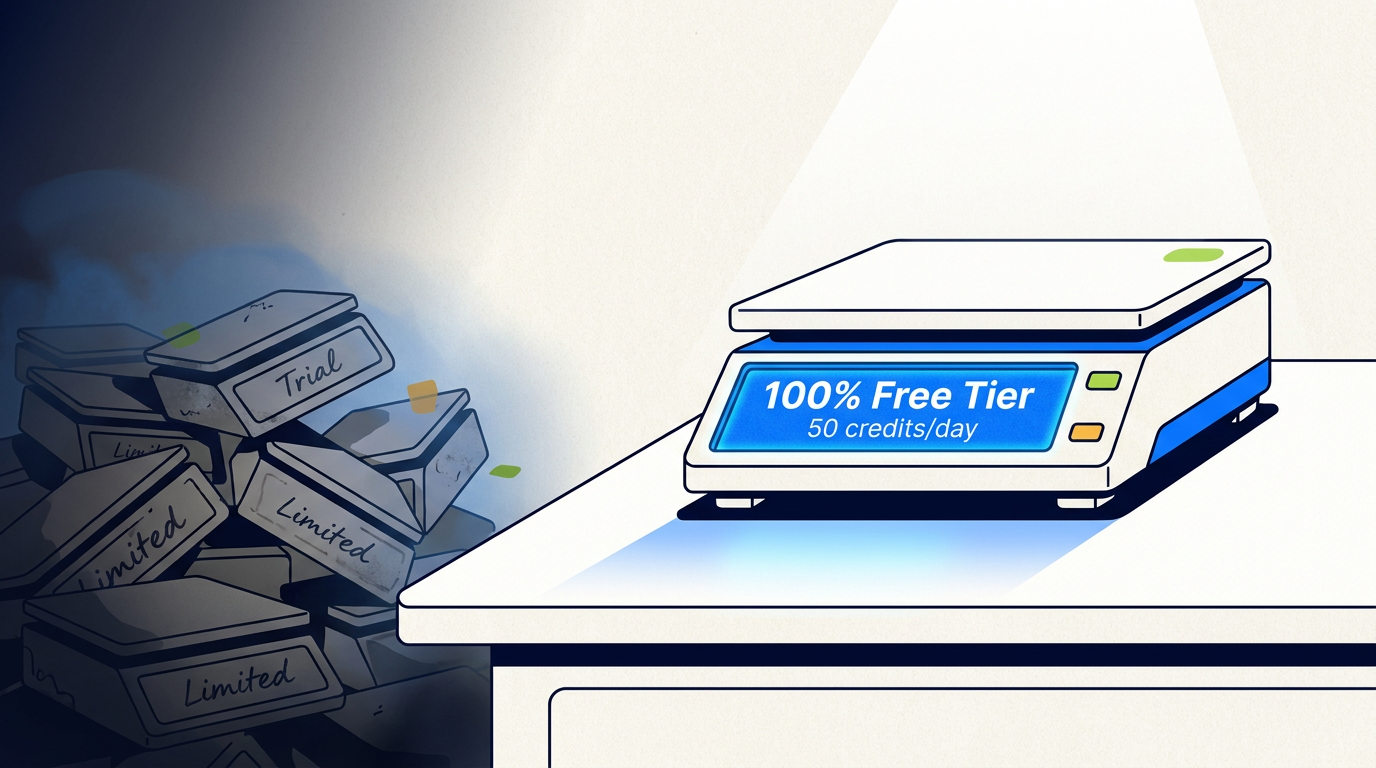
Let’s be honest: most “free AI” lists are a bait-and-switch packed with limited-time trials. This isn’t that list. We’re focused on truly free AI tools—the ones with generous, permanently free tiers that are actually useful without ever paying a dime. We’ve sifted through the noise to find the best freemium offerings that prove you don’t need to spend money to access some of the best AI tools available.
After testing dozens of options, we’ve found the 7 best tools that deliver real value. These apps and services have a useful free tier that gives you enough runway to get real work done. Forget the 7-day trials and the “3 free credits ever” nonsense; these are the tools we personally use and recommend.
| Tool | Category | Generous Free-Tier Limit? | Sign-Up Required? |
|---|---|---|---|
| Perplexity | AI Search & Chat | Yes, very generous | No (for basic use) |
| ChatGPT (GPT-3.5) | AI Chat & Writing | Yes, unlimited messages | Yes |
| Microsoft Designer | AI Image Generation | Yes, 100 boosts/day | Yes (Microsoft account) |
| Google Gemini | AI Chat & Writing | Yes, unlimited messages | Yes (Google account) |
| CapCut | AI Video & Audio | Yes, most features are free | Yes |
| Replit | AI Coding Assistant | Yes, basic AI is free | Yes |
| Phind | AI Search for Developers | Yes, 10 pro searches/day | No (for basic use) |
Here’s the breakdown of the best free AI apps, what they do, and who should use them.
Perplexity is a “conversation engine” that brilliantly mixes a search engine and an AI chatbot. It answers your questions by searching the web in real-time and provides a summarized answer with cited sources. It’s the perfect Google replacement for anyone who researches things online, from students to professionals.
The free tier is incredibly generous, offering unlimited basic searches and a handful of “Pro” searches using more advanced models. Best of all, there is no sign-up required for basic use. The standout feature is the sources; every answer is backed by links, so you can escape the AI “hallucination” bubble and verify information yourself. It’s a fact-finding machine, not a creative partner.
ChatGPT is the chatbot that started it all, and its free version still runs on the powerful GPT-3.5 model. It’s an excellent tool for writing, brainstorming, summarizing, and more. The freemium model is ideal for writers, marketers, and students needing a creative partner or a quick first draft.
The free tier offers unlimited messages, so you can chat and refine your ideas without hitting a rate limit. Its main drawback is that its knowledge cuts off in early 2022 and it’s noticeably less nuanced than the paid GPT-4 version. Still, its conversational ability remains king, letting you easily tweak and build upon its suggestions.
Microsoft’s surprisingly powerful design tool includes the Image Creator, which uses OpenAI’s advanced DALL-E 3 model for free. This is an incredible deal for marketers and creators who need custom images for social media or blog posts. It’s a top pick among the best free AI image generators.
You get free access to DALL-E 3, which excels at understanding complex prompts, and a generous 100 “boosts” (fast-generation credits) per day. Images are generated without a watermark. After you use your daily boosts, generation can be slower, but the quality for a price of zero is unbeatable.
Gemini is Google’s direct answer to ChatGPT, offering a capable AI chatbot with real-time internet access. This makes it a great choice for heavy Google users or anyone seeking a solid ChatGPT alternative for current information. Its free tier is robust and well-integrated with the Google ecosystem.
Live internet access means it can summarize current events or help plan a trip based on today’s information. Its integration with Google Workspace is a huge plus for productivity. The standout “double-check” feature verifies its own answers against Google Search, highlighting what is confirmed and what might be a hallucination.
CapCut is a wildly popular and mostly free video editor that has been quietly adding powerful AI features. As a browser-based tool and mobile app, it’s perfect for social media creators and marketers making short-form videos.
The free tier is packed with AI magic: auto-captions, text-to-speech, background removal, and even an AI scriptwriter. Most core features are free, though some may add a small watermark. Its AI-powered auto-captioning is best-in-class for free tools, saving creators hours of tedious work.
Replit is an online, browser-based coding environment perfect for beginners. Its free tier includes a basic AI coding assistant called Ghostwriter that helps write, explain, and debug code. It’s ideal for aspiring developers and students who want to experiment with code without a complicated local setup.
The AI assistant can autocomplete code, explain confusing blocks, and suggest fixes for errors. While the free AI has stricter usage limits than the Pro version, it’s like having a patient tutor looking over your shoulder. The zero-setup environment removes a huge barrier to entry for new programmers.
Think Perplexity, but built specifically for programmers. Phind is an AI search engine that answers technical questions with code examples and detailed explanations, citing sources from Stack Overflow and official documentation. It’s an indispensable tool for professional developers tired of sifting through outdated forum posts.
It provides direct, usable code snippets and understands the nuances of different programming languages. The free tier is very generous, with plenty of searches and even 10 daily “Pro” searches on its best model. It also offers a free AI API with a generous rate limit, making it an exceptional value.
The best free AI tool is Perplexity. While other tools are better for specific creative tasks, Perplexity is the most useful for the widest range of people. It acts as an AI-powered search engine that gives you direct, summarized answers with sources, saving you time and improving the quality of your research. Its generous free tier requires no sign-up for basic use.
Yes, but they are rare, and “free” often comes with trade-offs. Most top-tier tools operate on a freemium model, offering a capable free tier to encourage upgrades. Truly free options are often open source projects maintained by communities or ad-supported services. These can be powerful but often lack the polish and user-friendliness of commercial platforms.
Perplexity is the most useful AI tool that is free with no sign-up required for its core function. You can visit the website and start asking questions immediately. Phind also offers its developer-focused search without an account. This offers great convenience and privacy, but the downside is that you won’t have a conversation history saved for ongoing projects.
The freemium model is a classic trial vs free scenario, designed to show you value and tempt an upgrade. By sticking to the free tier, you typically give up a few key things.
credits, a rate limit on messages, or slower processing. Paid plans remove or drastically increase these usage limits.API.Stop trying to find one perfect tool. The best approach is to build a small toolkit of free AI apps for different jobs.
The AI world is moving fast, but you don’t need a huge budget to join in. Many tools are now closer to no-code AI platforms than complex programming environments. These free AI tools are powerful, practical, and ready for you to experiment with right now.
What’s the difference between a free trial and a free tier?
A free trial is a temporary offer giving full access to a paid product before it expires (e.g., “7 days free”). A free tier (or freemium model) is a permanently free, though somewhat limited, version of the product that never expires. All the tools on this list have a true free tier.
Are free AI tools safe to use for work?
It depends. For non-sensitive tasks like brainstorming marketing copy or generating public images, they are generally safe. However, never input confidential company data into a free public AI tool, as your data may be used for training.
What does “open source” mean for AI?
Open source means the AI model’s code is publicly available for anyone to see, modify, and use. This fosters transparency and innovation, but open source tools can sometimes be less user-friendly than polished commercial products.
Do I need a powerful computer to use these tools?
No. Almost all of the best free AI tools are browser-based, meaning the heavy computation happens on the company’s servers. As long as you have a stable internet connection, you can use them on almost any modern computer or smartphone.

Part of the Thinker's Automation Labs content team. Researches with the SEO Blog Research Agent, drafts the piece, and routes it through review before publishing. Every claim is fact-checked against primary sources.
The Best AI Search Engine in 2026 (Compared & Tested) The best AI search engine delivers synthesized, cited…

Microsoft Designer is the best overall free AI image generator, offering a generous 100 daily images powered by…

The best AI video generator for most people is Runway, offering a powerful and accessible suite of creative…